
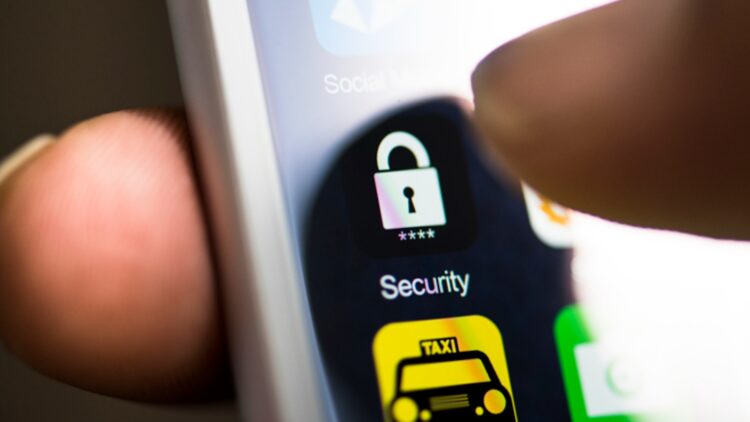
Today, smartphones are part of our everyday lifestyle. We use them for talking to other people, sending messages, searching the internet, and keeping important information. However, since phones are almost like small computers always connected to the internet, they become a target for hackers. So, to know how we can protect our phones, the U.S. National Security Agency (NSA) has shared some tips. Let’s find out what we should do.
Why phones are a target for hackers
Our phones have the power of a computer and are almost always connected to the internet. This means hackers can try to steal personal information, install dangerous programs, or spy what we do without us even noticing it.
In case you didn’t know, there are two types of attacks:
- Spear phishing: hackers send fake emails or messages to make us click on them and, this way, they can steal our information.
- Zero-click exploits: here, you don’t need to do anything, hackers exploit weaknesses in the phone to access it without interaction.
This is why it’s important we all keep our phones as safe as possible.
The NSA
The National Security Agency (NSA) is a well-known U.S. government organization that works to protect the country’s information and communication systems. It is famous for cybersecurity and digital security expertise. Because the NSA studies and prevents hacking and cyberattacks, their advice is trusted worldwide. When the NSA gives tips on keeping phones and devices safe, it means the recommendations come from top experts in digital protection. So, we’d better listen to what it says if we want to protect our phones.
How the NSA recommends protecting our phones
The NSA has shared some simple advice anyone can do: restart our phones regularly. This means turn it off and on again at least once a week. This might seem very simple, but it has a great impact on our devices’ safety because restarting our phones means:
- Avoiding dangerous programs to be installed in our phone.
- Stop ongoing attacks already affecting your device.
- Reduce security vulnerabilities that hackers could use to access your phone.
Other advice
Apart from restarting the device, the NSA recommends these additional actions to keep your phone safe:
- Keep your system updated: If your phone shows a notification saying, “Software update available: Install now,” tap it. Updates often fix bugs and security weaknesses that hackers can exploit. For instance, Apple or Android regularly release updates that patch vulnerabilities, so ignoring them could leave your phone open to attacks.
- Turn off Wi-Fi and Bluetooth when not in use: If you’re at home and don’t need to connect to public Wi-Fi or use a Bluetooth speaker, turn them off in your phone’s settings. Leaving them on in public places, like a café or airport, can allow hackers to access your device through unsecured networks or hidden Bluetooth connections.
- Avoid clicking on suspicious pop-ups: Imagine you open a website and a pop-up says, “Install this app to win a prize!” or “Your phone is infected—click here to clean it.” These are usually scams and you mustn’t click. Instead, close the pop-up or leave the site entirely. Only download apps from official stores like Google Play or the Apple App Store.
- Use a strong PIN: Instead of using something simple like 1234 or 0000, choose a longer PIN, such as 842917. The NSA recommends at least six digits because it’s harder for someone to guess, especially if your phone gets lost or stolen.
For users who want extra security, the NSA also suggests covering your phone’s camera and using cases that protect the microphone. This helps prevent potential eavesdropping.
So…
If you were worried about your phone’s safety, by applying these tips, you can greatly reduce the risk of hackers accessing your information and keep your phone safer, without needing to be a tech expert.